

Description
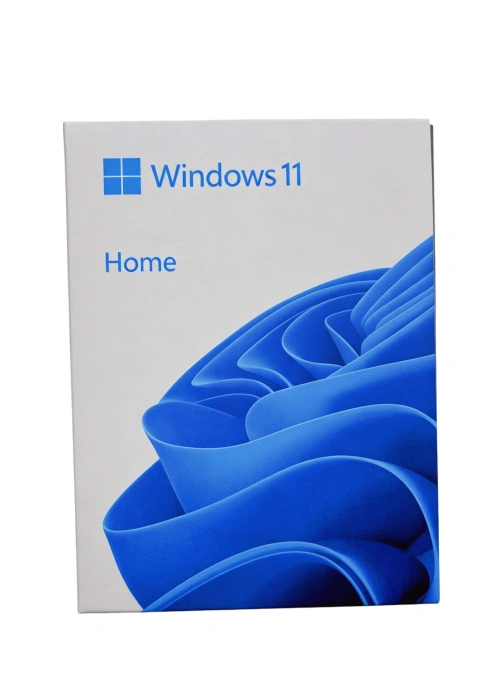
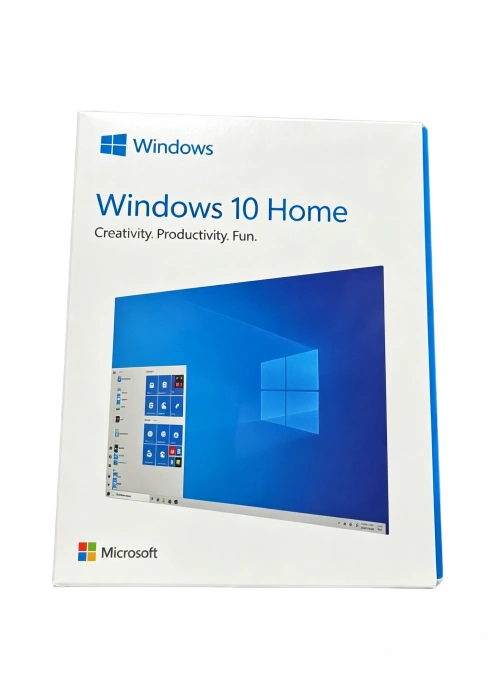
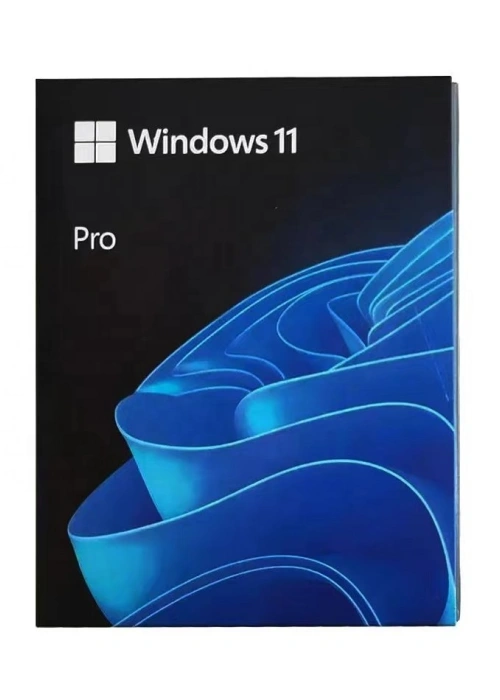
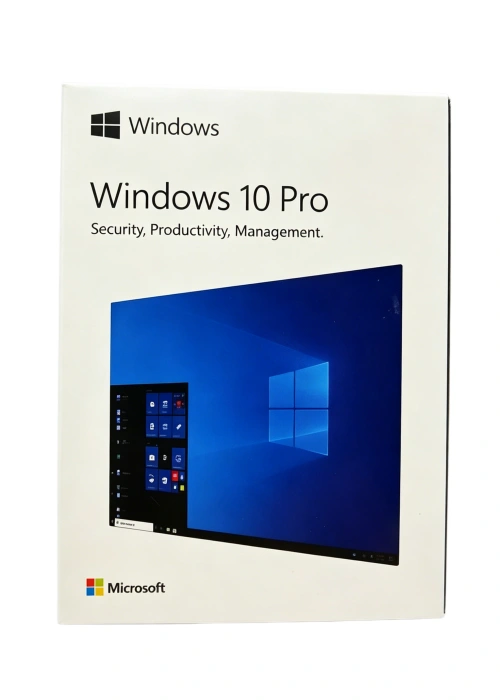
Microsoft Windows 11 Home USB Box — your sleek, user-centric solution for installing or reinstalling Windows 11 Home on your home PC, laptop, or 2-in-1 device. This official retail package combines genuine Microsoft software, convenient USB delivery, and a lifetime license, crafted to meet the needs of home users, students, casual gamers, and families who seek a modern, intuitive, and secure computing experience with all the latest features of Windows 11.
Genuine Microsoft Software & Lifetime License
Every Windows 11 Home USB Box comes with a 100% genuine Microsoft license, certified by Microsoft to ensure authenticity, full access to all Windows 11 Home features, and ongoing security and feature updates. The lifetime license is valid for one device, with support for transfer to another PC if needed — offering long-term value and flexibility for your home computing setup. With seamless online activation, you can activate your system in minutes after installation, no complex steps or technical expertise required. Note that Windows 11 Home edition requires an internet connection and a Microsoft Account to complete device setup on first use.
Convenient USB Installation
Say goodbye to cumbersome ISO files, DVD drives, or complicated setup processes — this package includes a pre-loaded USB flash drive (USB 3.0 for fast data transfer) that serves as a bootable installation media. Simply plug the USB into your device, follow the intuitive on-screen wizard, and complete the installation in minutes. The USB supports 64-bit architecture (the only architecture compatible with Windows 11), ensuring compatibility with most modern home desktops, laptops, and 2-in-1 devices that meet Windows 11’s system requirements. It’s ideal for clean installations, upgrades from eligible Windows 10 devices (running Windows 10 version 2004 or later), or reinstalling Windows to refresh your device’s performance.
Modern & User-Friendly Features for Home Use
Windows 11 Home redefines the home computing experience with a refreshed, streamlined design, blending simplicity with powerful functionality to enhance daily productivity, entertainment, and connectivity — all tailored for the way you live and work at home:
-
Sleek, Intuitive Interface: Enjoy a clean, modern design with a centered Start Menu, rounded corners, and smooth animations that make navigation effortless. The redesigned interface prioritizes what matters most, with easy access to your apps, files, and widgets, creating a clutter-free and enjoyable user experience. You can also customize themes, wallpapers, and taskbar settings to match your style.
-
Enhanced Security & Peace of Mind: Stay protected with built-in security features designed for home users, including Microsoft Defender Antivirus, a robust firewall, and real-time protection against viruses, malware, ransomware, and phishing attacks — no extra software required. Windows 11 Home also requires Trusted Platform Module (TPM) 2.0 and UEFI secure boot to provide next-generation security, safeguarding your personal data and device from unauthorized access. For compatible devices, Windows Hello offers password-free sign-in via facial recognition or fingerprint, adding convenience without compromising security, and you can use passkeys to replace passwords for safer, seamless logins to websites and apps.
-
Productivity & Multitasking Made Easy: Maximize efficiency with intuitive multitasking tools, including Snap Layouts and Snap Groups to organize multiple apps on your screen, virtual desktops to separate work, study, and entertainment, and seamless redocking that remembers your preferred display settings when connecting to external monitors. The new Microsoft Edge, optimized for Windows 11, includes Edge Copilot to help you tackle everyday tasks, while OneDrive integration lets you access your files across all your devices securely.
-
Entertainment & Gaming Excellence: Transform your PC into a home entertainment hub with Windows 11 Home’s enhanced media features. Enjoy support for 4K UHD displays, HDR, and Auto HDR to bring movies, shows, and photos to life with vibrant colors. For casual gamers, DirectX 12 Ultimate delivers smoother gameplay, while the Controller Bar makes it easy to jump back into your favorite games. Windows Studio Effects also improves video calls, letting you reduce background noise, use auto-framing, and maintain eye contact even when reading notes.
-
Smart & Accessible Features: Stay connected and informed with widgets that deliver real-time updates on weather, news, calendar, and more, right on your desktop. Windows 11 Home also includes accessibility features like Voice Access (to control your PC with voice commands), Live Captions for real-time transcription of audio, and natural-sounding text-to-speech with the Narrator feature, making computing more inclusive for all users. Additionally, energy-saving suggestions help you extend your device’s battery life by identifying power-hungry settings.
System Requirements
To ensure optimal performance and full access to all Windows 11 Home features, your device must meet the following minimum requirements (recommended specifications for a better experience are also provided) — note that Windows 11 only supports 64-bit architecture:
|
Component
|
Minimum Requirement
|
Recommended Requirement
|
|
Processor
|
1 GHz or faster, with 2 or more cores on a compatible 64-bit processor or SoC
|
1 GHz or faster, 4 or more cores on a compatible 64-bit processor (or NPU-equipped Copilot+ PC for AI features)
|
|
Memory (RAM)
|
4 GB
|
8 GB or more (16 GB for Copilot+ PC features)
|
|
Hard Disk Space
|
64 GB or larger storage device
|
128 GB or more (for future updates, apps, and media storage)
|
|
Graphics Card
|
Compatible with DirectX 12 or later, with WDDM 2.0 driver
|
DirectX 12 Ultimate compatible, with WDDM 3.0 driver (for gaming and 4K HDR support)
|
|
Display
|
720p (HD) display, 9 inches or larger, 8 bits per color channel
|
1080p (Full HD) or higher display (for optimal multitasking and entertainment)
|
|
Additional Requirements
|
UEFI secure boot, TPM 2.0, internet connection (for setup and updates)
|
Wi-Fi 6 or Ethernet, Microsoft Account, compatible hardware for Windows Hello
|
Package Contents
Each Windows 11 Home USB Box includes everything you need to set up your home device quickly and easily, with genuine Microsoft authentication:
-
Pre-loaded Windows 11 Home USB flash drive (USB 3.0)
-
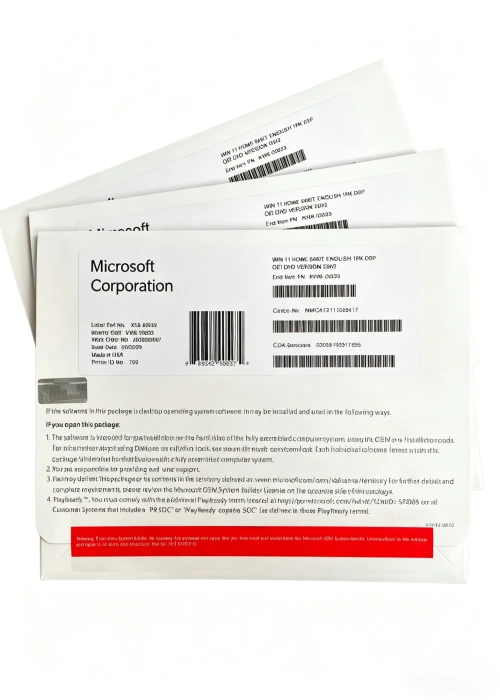
Genuine Microsoft product key (for online activation)
-
Official installation and setup guide (with simple, step-by-step instructions)
-
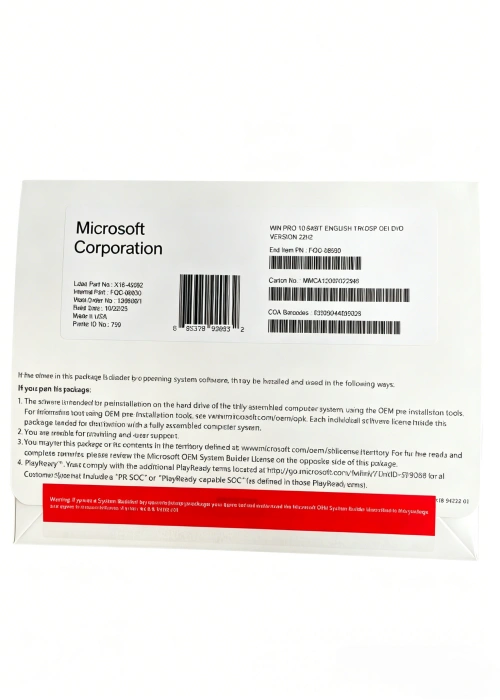
Factory-sealed retail box (ensuring authenticity and tamper-proof packaging)
Why Choose Windows 11 Home USB Box?
Whether you’re setting up a new home PC, upgrading your existing Windows 10 device, or reinstalling your operating system, the Windows 11 Home USB Box delivers unmatched convenience, modern functionality, and reliability. It’s the perfect choice for home users who want a sleek, easy-to-use OS that balances productivity, entertainment, and security — all with the latest features Microsoft has to offer. Backed by Microsoft’s support and regular security updates, Windows 11 Home ensures your device stays secure, up-to-date, and optimized for years to come, making it ideal for family use, student work, casual gaming, and everyday computing.
Note: Windows 11 Home is the only edition of Windows 11 that supports S mode; switching out of S mode requires an internet connection and cannot be reversed. Some features (such as Windows Studio Effects, Auto HDR, and Voice Access) require specific hardware. App and feature availability may vary by market. Internet access is required for activation, updates, and cloud-based features like OneDrive and widgets.
Reviews
There are no reviews yet.