

Description
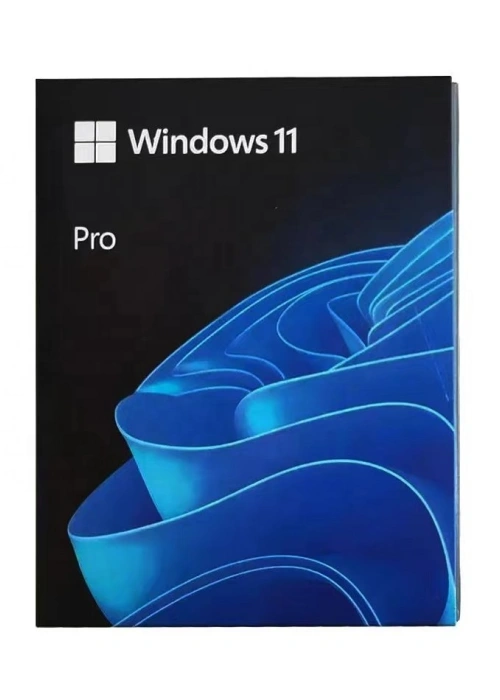
Microsoft Windows 11 Professional USB Box — your powerful, business-ready solution for installing or reinstalling Windows 11 Professional on desktops, laptops, and workstations. This official retail package combines genuine Microsoft software, convenient USB delivery, and a lifetime license, tailored to meet the demands of small and medium-sized businesses (SMBs), IT professionals, remote workers, and advanced users who require enterprise-grade security, flexible management, and enhanced productivity features to support their professional operations.
Genuine Microsoft Software & Lifetime License
Every Windows 11 Professional USB Box comes with a 100% genuine Microsoft license, certified by Microsoft to ensure authenticity, full access to all Windows 11 Professional features, and ongoing security and feature updates. The lifetime license is valid for one device, with support for transfer to another PC if needed — providing long-term value and flexibility for growing businesses and evolving IT setups. With seamless online activation, you can activate your system in minutes after installation, with no complex steps or technical expertise required. Unlike Windows 11 Home, Windows 11 Professional allows users to create and use local accounts directly during setup, without the mandatory requirement of a Microsoft Account, offering greater flexibility for business and IT management needs.
Convenient USB Installation
Say goodbye to cumbersome ISO files, DVD drives, or complicated deployment processes — this package includes a pre-loaded USB flash drive (USB 3.0 for fast data transfer, compatible with USB4 for enhanced performance on supported devices) that serves as a bootable installation media. Simply plug the USB into your device, follow the intuitive on-screen wizard, and complete the installation in minutes. The USB supports 64-bit architecture (the only architecture compatible with Windows 11), ensuring compatibility with most modern business desktops, laptops, and workstations that meet Windows 11’s system requirements. It’s ideal for clean installations, upgrades from eligible Windows 10 Pro devices (running Windows 10 version 2004 or later), or reinstalling Windows to resolve performance issues, ensure compliance with business IT policies, or deploy standardized systems across teams.
Enterprise-Grade Features for Business & Advanced Use
Windows 11 Professional builds on the modern, user-friendly foundation of Windows 11, adding powerful business-centric features to boost security, streamline management, and enhance productivity — designed to support remote work, IT administration, and professional workflows:
-
Advanced Security & Data Protection: Safeguard sensitive business data with BitLocker drive encryption, a professional-exclusive feature that encrypts your entire hard drive or removable media to prevent unauthorized access, even if the device is lost or stolen. Complementing this, Windows Defender Antivirus, a robust firewall, and real-time protection defend against viruses, malware, ransomware, and phishing attacks — no extra software required. Windows 11 Professional also enforces TPM 2.0 and UEFI secure boot for next-generation security, while Windows Hello for Business offers multi-factor authentication options (facial recognition, fingerprint, or security keys) to enhance access control. Additionally, Windows Information Protection (WIP) helps prevent data leakage by separating personal and business data on the same device.
-
Business Management & Deployment: Streamline IT management with Group Policy support, allowing administrators to set device policies, restrict access to sensitive settings, and standardize configurations across multiple workstations. The OS supports Azure Active Directory (Azure AD) join and Mobile Device Management (MDM), enabling seamless integration with existing business IT infrastructure and centralized user and device management. Windows Update for Business lets you control update deployment schedules, reducing downtime and ensuring devices stay secure without disrupting critical workflows. Unlike Windows 11 Home, Windows 11 Professional also supports Assigned Access, allowing you to lock devices to a single app for kiosk or point-of-sale use.
-
Virtualization & Remote Work Capabilities: Stay productive from anywhere with full Remote Desktop support, which allows secure access to your work PC from another device — ideal for remote workers, IT support, and off-site collaboration. For IT professionals and developers, Client Hyper-V enables the creation and operation of virtual machines directly on Windows 11 Pro devices, supporting testing, development, and legacy software compatibility without additional hardware (requires a processor with SLAT support). Windows Sandbox provides a lightweight, isolated environment to run untrusted software safely, protecting your main system from potential threats.
-
Enhanced Productivity & Multitasking: Maximize efficiency with advanced multitasking tools, including Snap Layouts, Snap Groups, and virtual desktops to organize work projects and separate professional and personal tasks. The integrated Windows Copilot (activated with Win+C) offers AI-powered assistance to streamline workflows, from summarizing documents to adjusting system settings and coding. Microsoft Edge’s enterprise features, such as group policy control and compatibility mode, ensure a consistent and secure browsing experience for all users, while OneDrive for Business integration enables secure file access across devices. Windows 11 Professional also supports higher hardware limits, including up to 2TB of RAM and 128 logical processors, making it suitable for high-performance workstations.
System Requirements
To ensure optimal performance and full access to all Windows 11 Professional features (including Hyper-V and BitLocker), your device must meet the following minimum requirements (recommended specifications for better business performance are also provided) — note that Windows 11 only supports 64-bit architecture:
|
Component
|
Minimum Requirement
|
Recommended Requirement
|
|
Processor
|
1 GHz or faster, with 2 or more cores on a compatible 64-bit processor or SoC (supports SLAT for Hyper-V)
|
1 GHz or faster, 4 or more cores on a compatible 64-bit processor (or NPU-equipped Copilot+ PC for enhanced AI features)
|
|
Memory (RAM)
|
4 GB (8 GB minimum for Hyper-V and multitasking)
|
16 GB or more (32 GB for high-performance workstations and virtualization)
|
|
Hard Disk Space
|
64 GB or larger storage device
|
256 GB or more (SSD recommended for faster boot times and virtual machine performance)
|
|
Graphics Card
|
Compatible with DirectX 12 or later, with WDDM 2.0 driver
|
DirectX 12 Ultimate compatible, with WDDM 3.0 driver (for 4K HDR support and virtualization graphics)
|
|
Display
|
720p (HD) display, 9 inches or larger, 8 bits per color channel
|
1920 × 1080 pixels (Full HD) or higher display (for optimal multitasking and professional applications)
|
|
Additional Requirements
|
UEFI secure boot, TPM 2.0, internet connection (for setup, activation, and updates); SLAT support for Hyper-V
|
Wi-Fi 6 or Ethernet, Azure AD account (for enterprise management), compatible hardware for Windows Hello for Business
|
Package Contents
Each Windows 11 Professional USB Box includes everything you need to set up your business devices quickly, securely, and in compliance with IT standards:
-
Pre-loaded Windows 11 Professional USB flash drive (USB 3.0, compatible with USB4 devices)
-
Genuine Microsoft product key (for online activation and compliance verification)
-
Official installation and deployment guide (including IT management best practices)
-
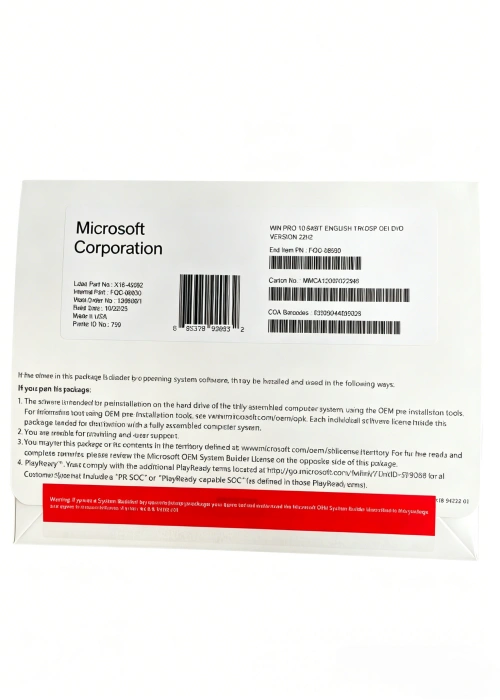
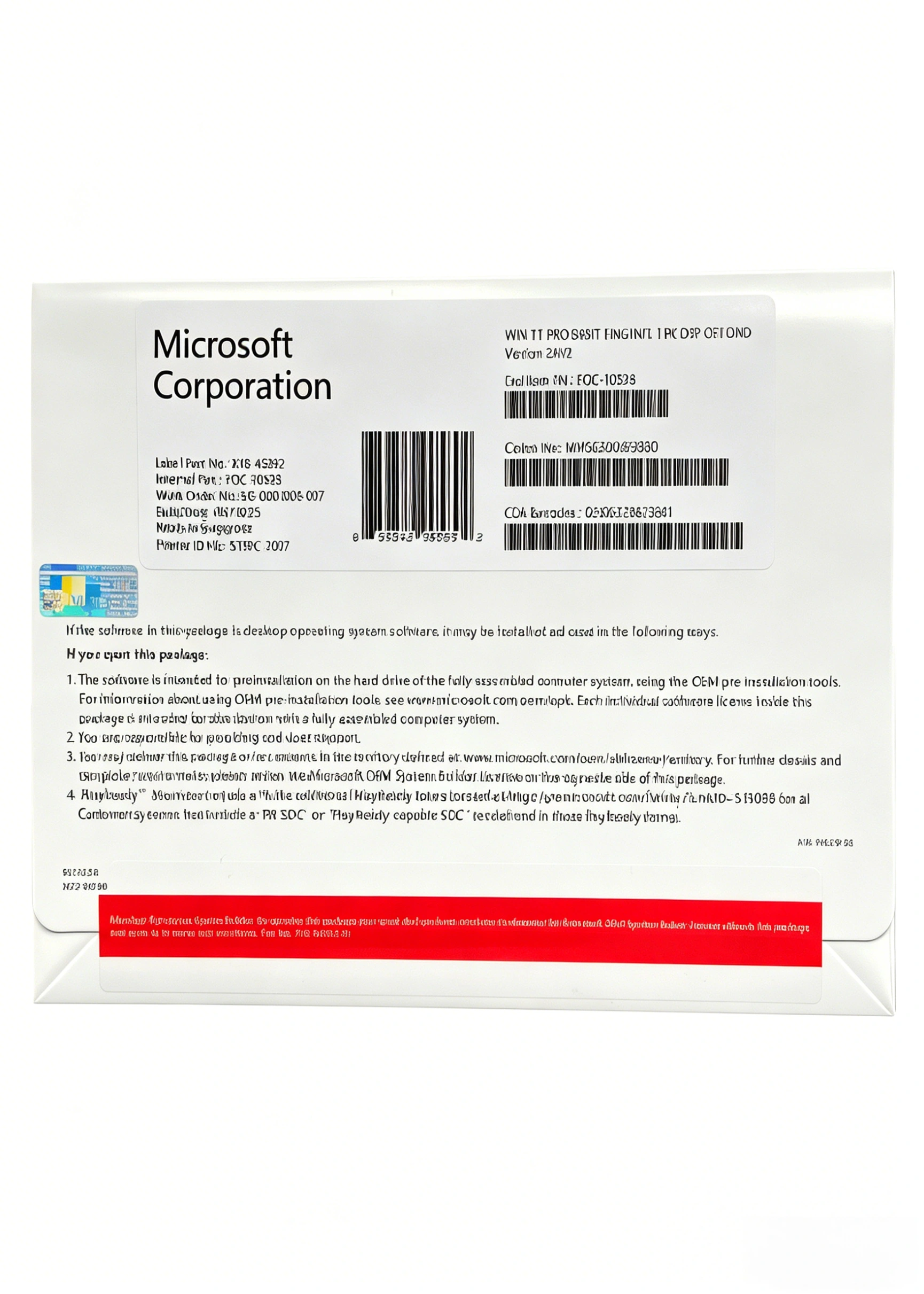
Factory-sealed retail box (ensuring authenticity, tamper-proof packaging, and compliance with software licensing regulations)
Why Choose Windows 11 Professional USB Box?
Whether you’re equipping a small business, upgrading IT infrastructure, deploying workstations for remote teams, or supporting IT professionals, the Windows 11 Professional USB Box delivers unmatched reliability, security, and flexibility. It’s the ideal choice for businesses and advanced users who need an OS that balances modern user-friendliness with enterprise-grade functionality — from data protection and remote access to centralized management and virtualization. Backed by Microsoft’s professional support and regular security updates, Windows 11 Professional ensures your devices stay secure, compliant, and optimized for years to come, supporting your business growth and operational efficiency every step of the way. Unlike Windows 11 Home, its advanced features justify the premium for users who require professional-grade tools for their workflows.
Note: Windows 11 Professional supports S mode, and switching out of S mode requires an internet connection and cannot be reversed. Some enterprise features (such as Hyper-V, BitLocker, and Azure AD join) require specific hardware and IT configuration. App and feature availability may vary by market. Internet access is required for activation, updates, and cloud-based features like Azure AD and OneDrive for Business. BitLocker requires a Trusted Platform Module (TPM) 1.2 or higher for optimal security; it can be used without TPM by saving a startup key to a removable device.
Reviews
There are no reviews yet.