

Description
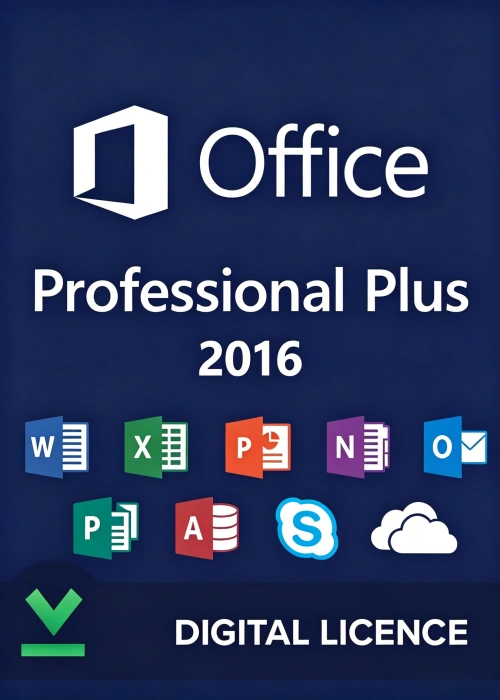
In today’s fast-paced business landscape, having a reliable and feature-rich productivity suite is non-negotiable. The Office 2016 Professional Plus Key is your gateway to activating the full power of Microsoft’s flagship office software, designed to meet the demands of professionals, small businesses, and enterprise users alike. This genuine 25-character activation code grants permanent access to a comprehensive suite of tools, eliminating the need for recurring subscription fees and providing a cost-effective solution for long-term productivity.
What is an Office 2016 Professional Plus Key?
An Office 2016 Professional Plus Key is a unique alphanumeric code formatted as XXXXX-XXXXX-XXXXX-XXXXX-XXXXX that unlocks the full version of Microsoft Office 2016 Professional Plus. Unlike subscription-based plans like Microsoft 365, this one-time purchase provides lifetime access to all core applications and advanced features on a single Windows PC. It’s tailored for users who require robust tools for document creation, data analysis, project management, and communication, without the constraints of cloud-based subscriptions.
Core Applications Included
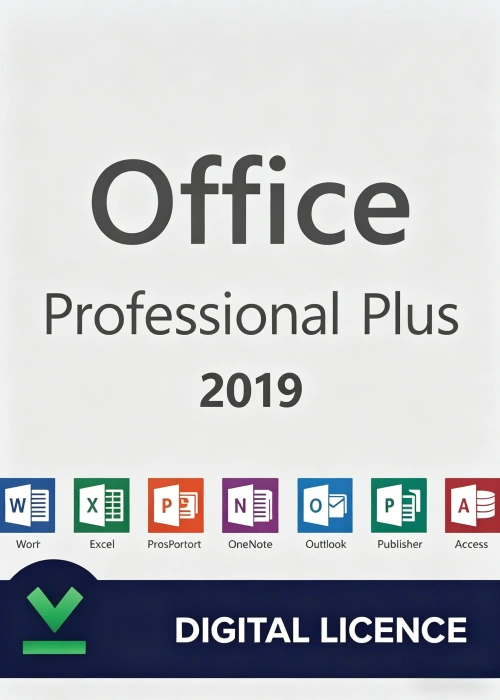
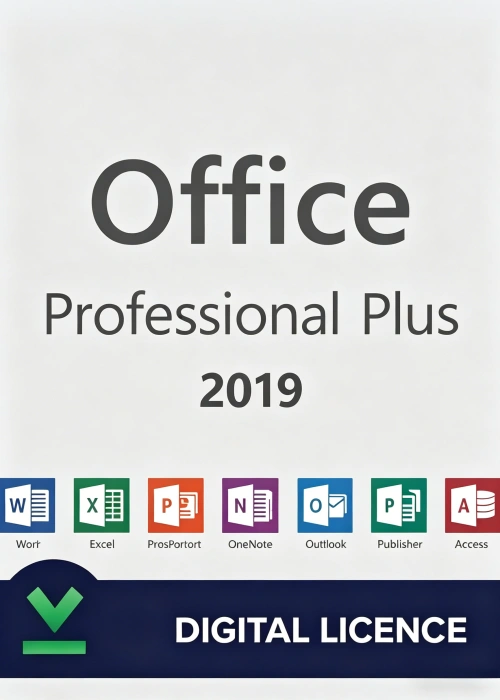
With your activation key, you gain access to a complete set of industry-leading applications:
1. Word 2016
Create, edit, and format professional documents with precision. Word 2016 offers advanced features like real-time collaboration, Smart Lookup for instant web research, and the Tell Me tool to quickly find functions. Whether you’re drafting contracts, reports, or marketing materials, Word ensures your work looks polished and professional.
2. Excel 2016
Turn raw data into actionable insights with Excel’s powerful spreadsheet tools. Create dynamic budgets, analyze complex datasets, and visualize trends with new chart types like treemaps and sunbursts. Excel 2016 also supports publishing to Power BI, making it easier to share interactive dashboards with colleagues.
3. PowerPoint 2016
Design engaging presentations that captivate your audience. PowerPoint 2016 features enhanced design tools, 3D models, and immersive transitions to bring your ideas to life. Collaborate in real-time with team members and present with confidence using presenter view and speaker notes.
4. Outlook 2016
Manage your emails, calendar, and contacts in one centralized platform. Outlook 2016 includes intelligent inbox features like Clutter to filter low-priority messages, OneDrive integration for seamless file sharing, and advanced search capabilities to quickly find important information.
5. OneNote 2016
Capture and organize your notes, ideas, and research in a digital notebook. OneNote 2016 lets you sync your notes across devices, collaborate with others in real-time, and integrate with other Office apps for a unified workflow.
6. Publisher 2016
Create professional-quality marketing materials, brochures, and newsletters without graphic design experience. Publisher 2016 offers customizable templates, advanced layout tools, and support for high-resolution images to help you produce stunning visual content.
7. Access 2016
Build and manage databases to store, organize, and analyze large amounts of data. Access 2016 includes intuitive design tools, pre-built templates, and integration with Excel to simplify data entry and reporting.
Key Benefits of the Office 2016 Professional Plus Key
1. Lifetime Access, No Recurring Fees
Pay once and enjoy permanent access to Office 2016 Professional Plus. Unlike Microsoft 365, which requires monthly or annual payments, this one-time purchase eliminates the stress of subscription renewals, making it a budget-friendly choice for long-term use.
2. Genuine Software with Security Updates
Rest assured that you’re using official Microsoft software, backed by regular security updates to protect your data. Microsoft continues to release critical security patches for Office 2016, ensuring your documents and information remain safe from threats.
3. Advanced Features for Professionals
Office 2016 Professional Plus includes exclusive features not available in standard editions, such as advanced data analysis tools in Excel, desktop publishing capabilities in Publisher, and database management in Access. These tools are designed to help you work more efficiently and achieve better results.
4. Offline Functionality
All applications work seamlessly offline, so you can create, edit, and save documents without an internet connection. This is especially valuable for professionals who travel frequently or work in areas with limited connectivity.
5. Easy Activation and Installation
Activating your software is straightforward:
- Purchase a genuine key from an authorized retailer.
- Visit office.com/setup and sign in with your Microsoft account.
- Enter your 25-character key (hyphens can be omitted) and follow the prompts to download the installer.
- Run the installer and complete the setup process. Once installed, launch any Office app to start using the full suite.
System Requirements
Before purchasing, ensure your device meets the minimum requirements:
- Operating System: Windows 7, 8.1, 10, or Windows Server 2016
- Processor: 1 GHz or faster x86/x64 processor with SSE2 support
- RAM: 2 GB (32-bit) or 4 GB (64-bit)
- Disk Space: 3 GB available storage
- Display: 1280 x 800 resolution
- Graphics: DirectX 10 graphics card for hardware acceleration
Why Choose a Genuine Office 2016 Professional Plus Key?
Investing in a genuine key ensures you get the full, unmodified Office experience, with access to all features and ongoing support from Microsoft. Pirated or counterfeit keys may lead to limited functionality, security risks, or legal issues. By purchasing an official key, you’re not just buying software—you’re investing in a reliable tool that will serve you for years to come.
Final Thoughts
The Office 2016 Professional Plus Key is more than just an activation code—it’s an investment in lifelong productivity. Whether you’re a professional managing complex projects, a small business owner streamlining operations, or an enterprise user collaborating with a team, this suite provides the tools you need to work smarter, not harder. With its one-time pricing, offline functionality, and genuine Microsoft support, it’s the ideal choice for anyone seeking a comprehensive, cost-effective productivity solution.
Unlock your potential today with Office 2016 Professional Plus—where power meets reliability.
Reviews
There are no reviews yet.